
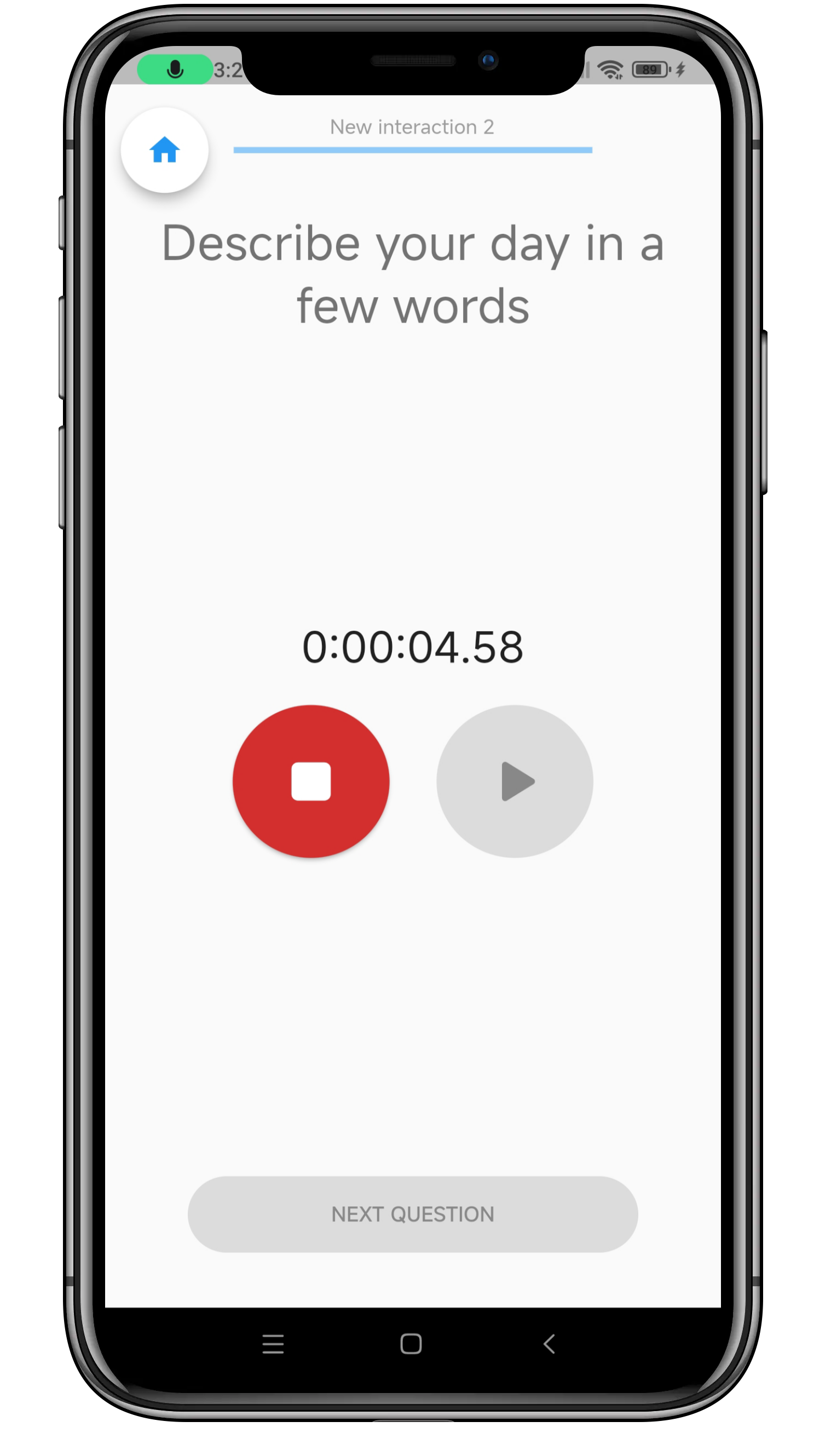
You can request a client to record some audio in response to a question. This audio will be stored as a file on the client’s phone, and will be uploaded to your cloud storage location when a data connection is available. While the phone is recording audio, the “Next question” button will be disabled until recording is finished.
The recording file name contains some identifying information and can be read as follows:
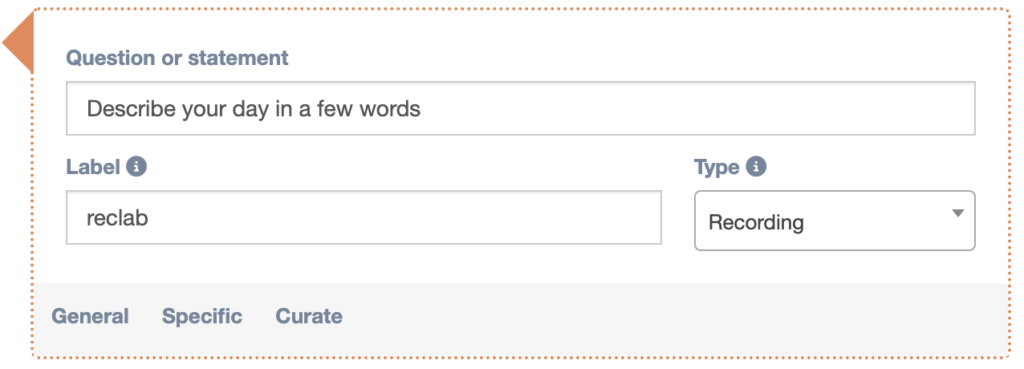
[TherapistCode]_[ConnectionID]_[label]_MM-DD_hh:mm:ss_rec.m4aThe ConnectionID can also be found in the export file of all questionnaire answers. It is unique for each participant.
Note that Android devices will upload recordings in .m4a format, whereas Apple devices do this in .aac format.
Settings
General
Specific
It is possible to set a min and max duration of the audio recording in the dashboard.
The stop button is greyed out and disabled until the minimum duration is reached. Once the maximum duration is reached, the recording stops automatically.
