
Overview
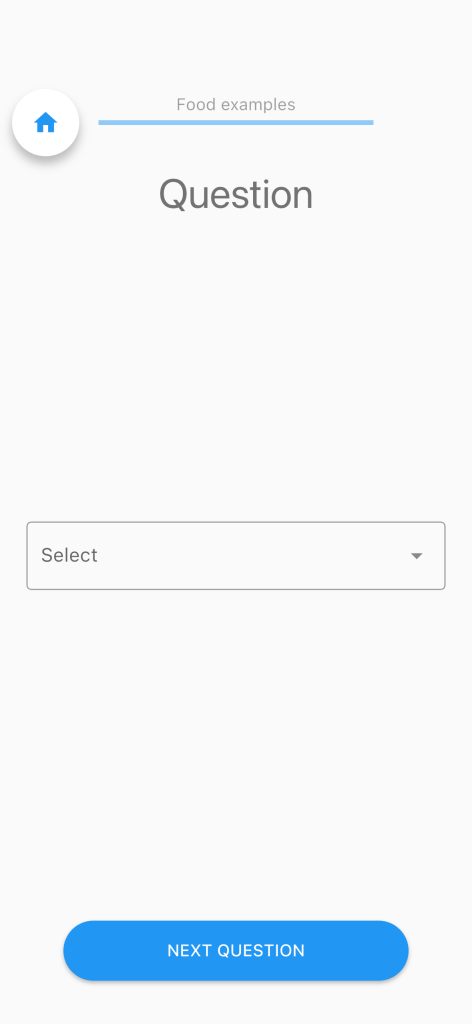
The Dropdown question presents the participant with a searchable dropdown list from which they select one option. The list of options is not hard-coded in the item itself; instead it is loaded dynamically from a prior answer in the same questionnaire, for example: the output of a CSV item.
Configuration Fields
| Field | Type | Default | Description |
|---|---|---|---|
Dropdown options label | string | '' | Required. The shortQuestion label of a prior item whose answer contains the list of options (e.g. a column from a CSV item). |
placeholder | string | 'Select' | The hint text shown inside the dropdown field before the participant makes a selection. |
How Options Are Populated
The dropdown reads its options from an answer already present in the session, for example one column produced by a preceding CSV item. At runtime, Drop down options label is used to find that answer by its label.
Participant Experience
- A labelled dropdown field is shown below the question text.
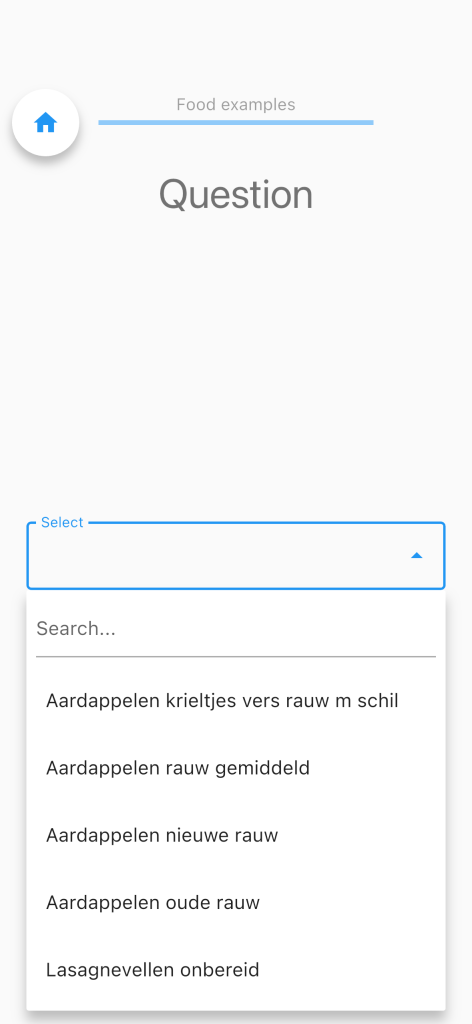
- Tapping the field opens a popup menu with a live search box, the participant can type to filter the list in real time.
- Selecting an item closes the popup and confirms the choice.
Answer
The response is stored as an integer containing the 1-based index of the selected option within the options list. For example, selecting the first option records 1, the second records 2, and so on.