1. Download m-Path on your phone
m-Path is a totally free tool for researchers and their participants. Download the app or register for the practitioners online dashboard!


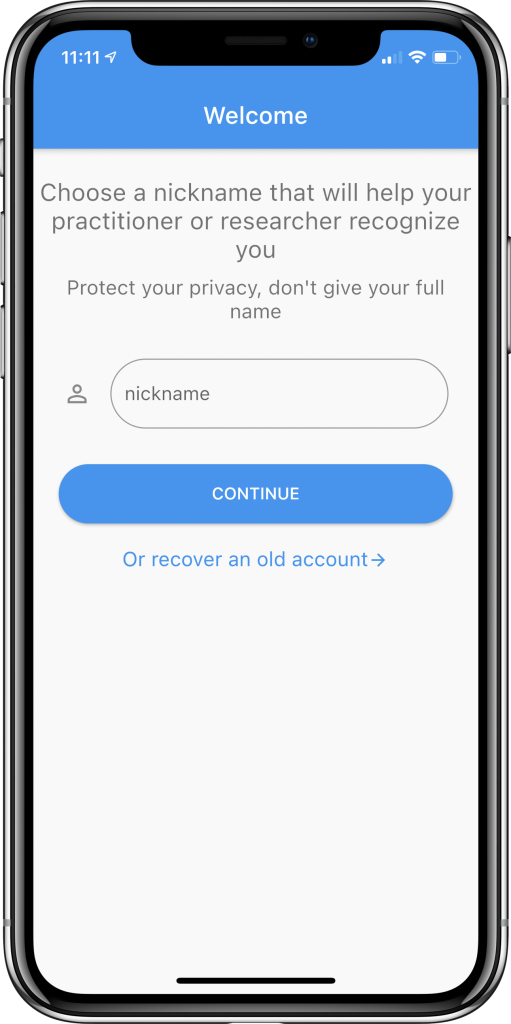
2. Provide a nickname
Choose a nickname that will help your researcher recognize you. Protect your privacy, do not give your full name.
Your researcher might ask you to use a certain alias to guarantee your anonimity. For instance, your researcher might work with a personal code (e.g. 001, 002, 003, …) for every participant and ask you to use this as your alias.
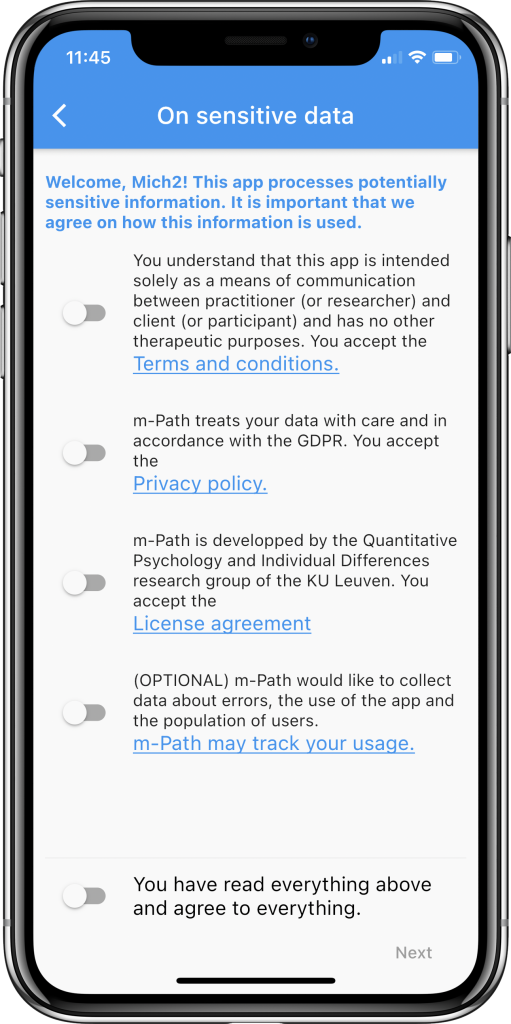
3. Accept the terms
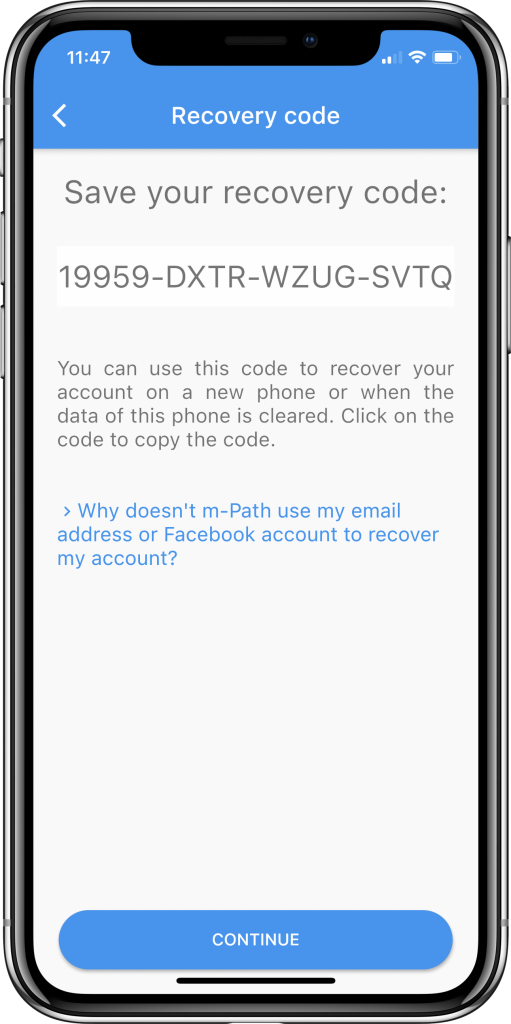
4. Save your recovery code
Your recovery code is a code that can be used to recover your account on a new device or after reinstalling the app.
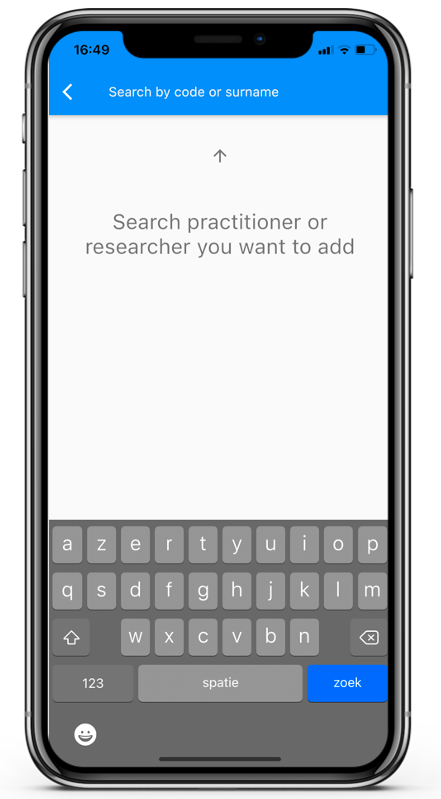
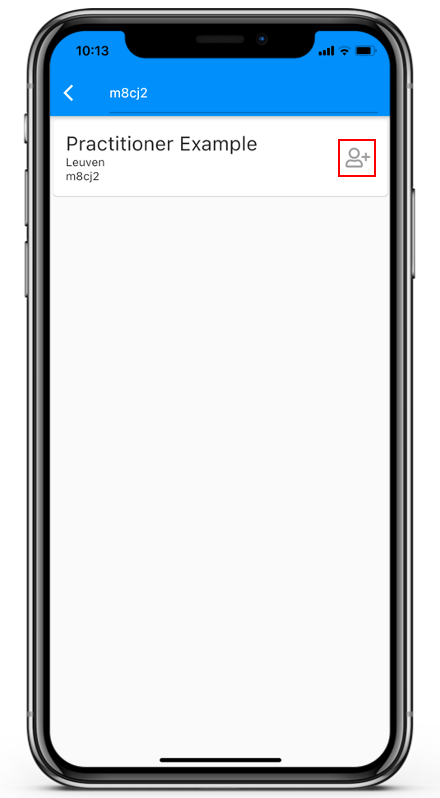
5. Add a practitioner
Enter the code or last name of the researcher’s account and press add. Your researcher can also work with an invitation code. In that case, enter the invitation code and press add.